Purchase Orders for Amazon Wholesale and Arbitrage
Stop juggling spreadsheets and messy drafts. Seller Assistant turns your product selections into professional, trackable purchase orders. Auto-fill supplier and warehouse details, adjust costs, assign owners, and track every step in one clear workspace.
Start Free for 14 Days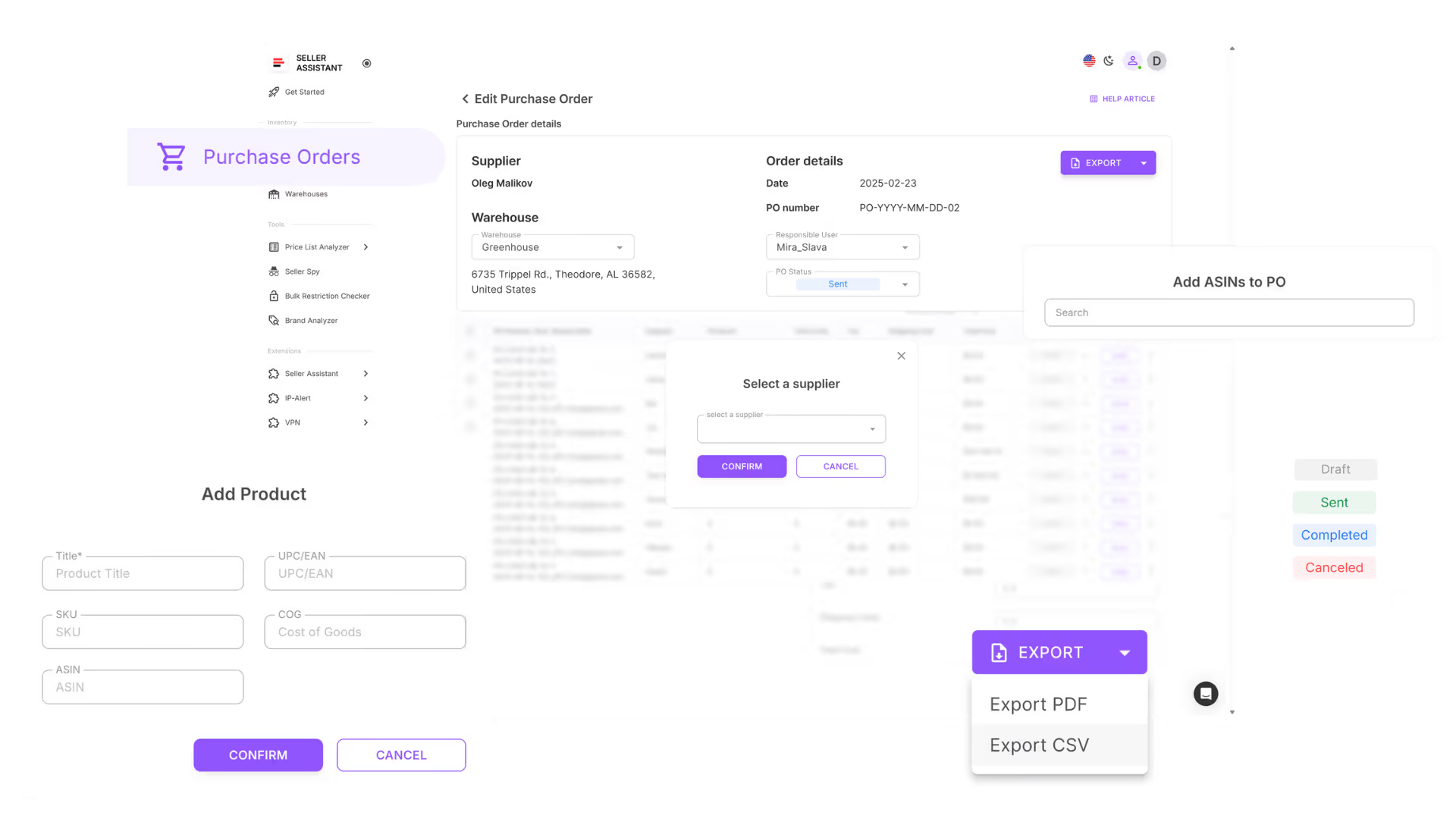
From product selection to sent PO in minutes
Turn selected products into professional, export-ready purchase orders in just a few clicks.
When to Use Purchase Orders
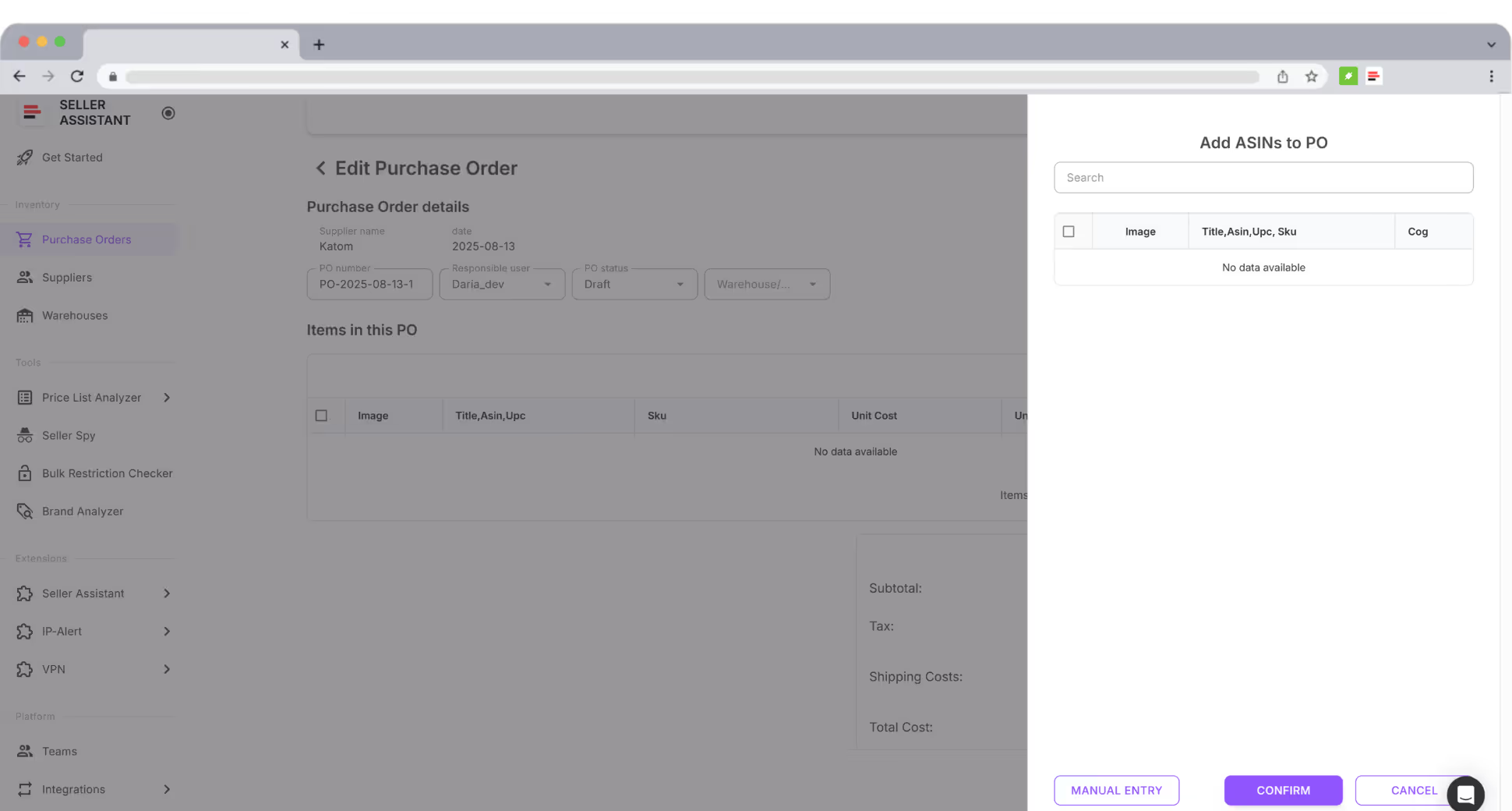
Create and send purchase orders directly from Seller Assistant in minutes.
Convert Lists
Turn selected products from price lists into structured orders.
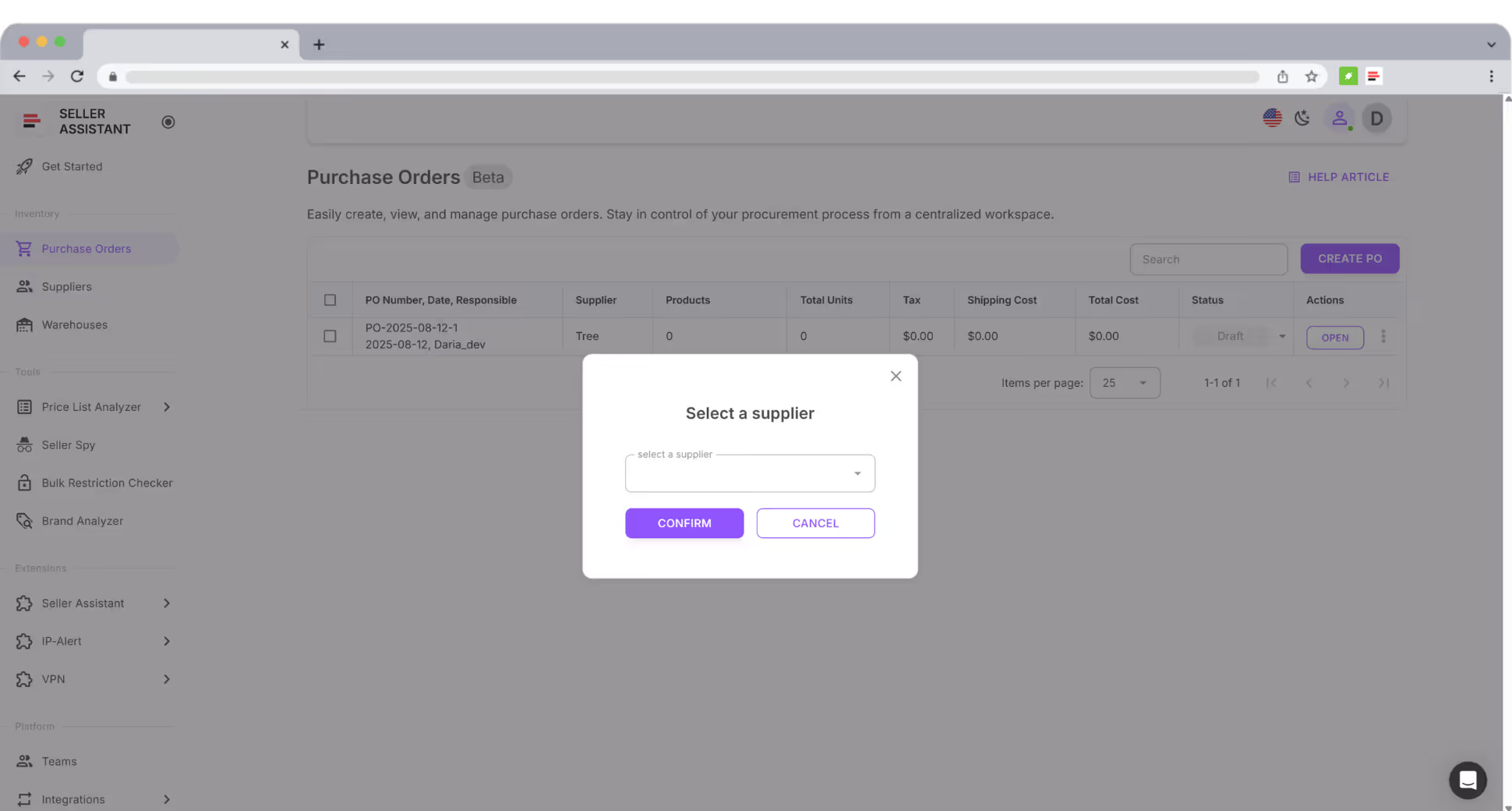
Merge Orders
Combine items from multiple sources into one supplier order.
Track Status
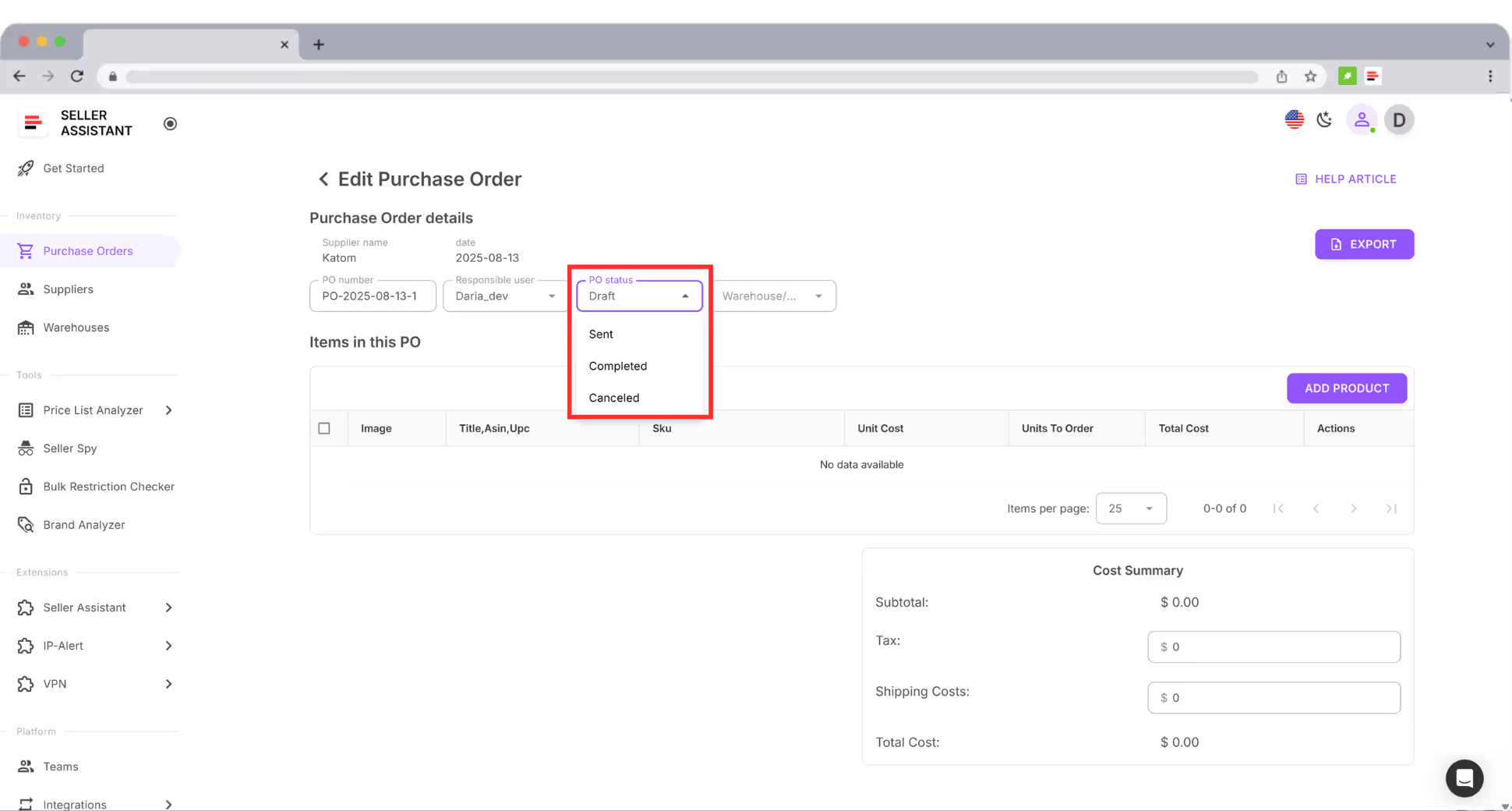
Follow procurement progress with clear draft and sent statuses.
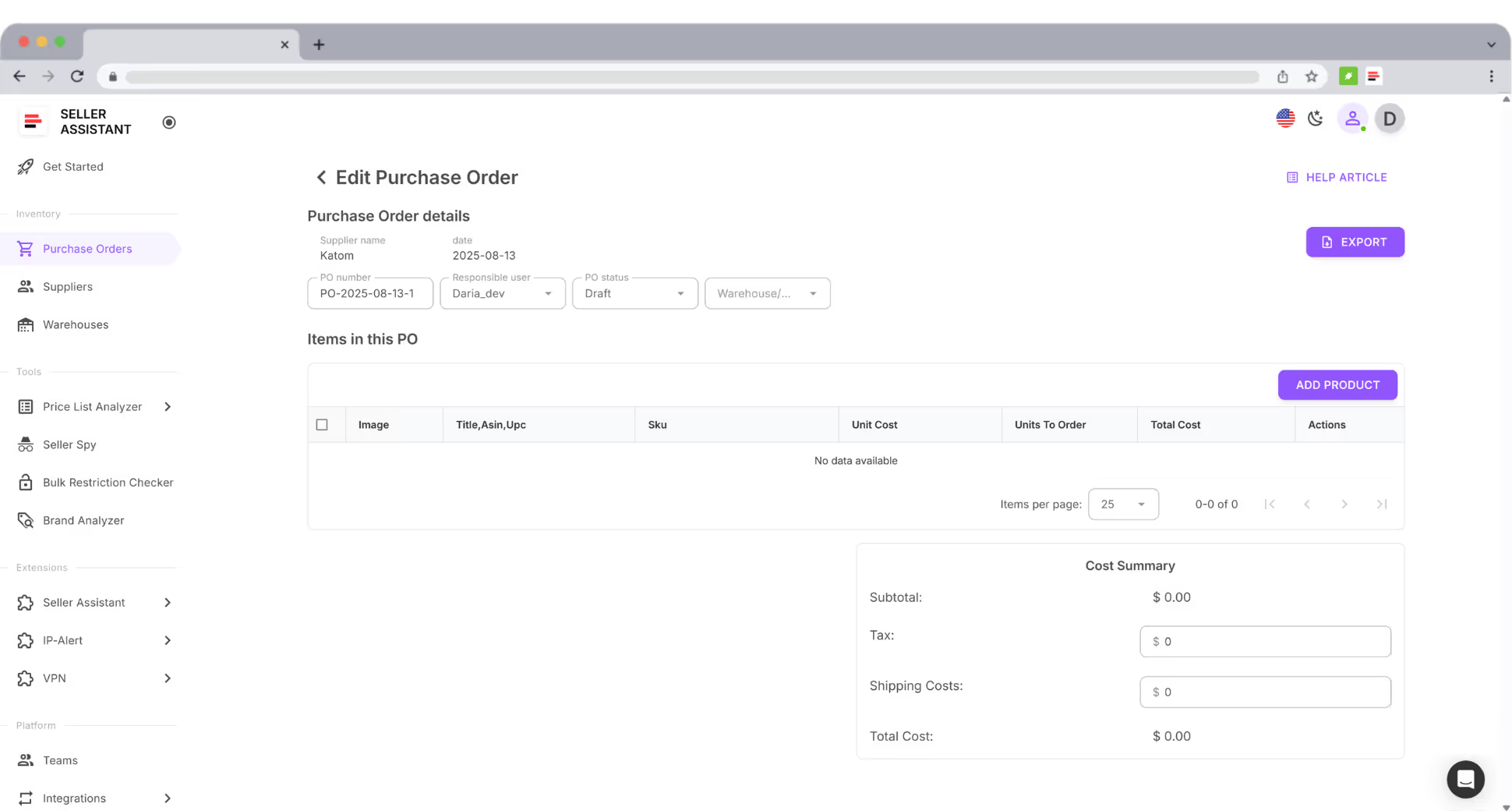
Send Clean POs
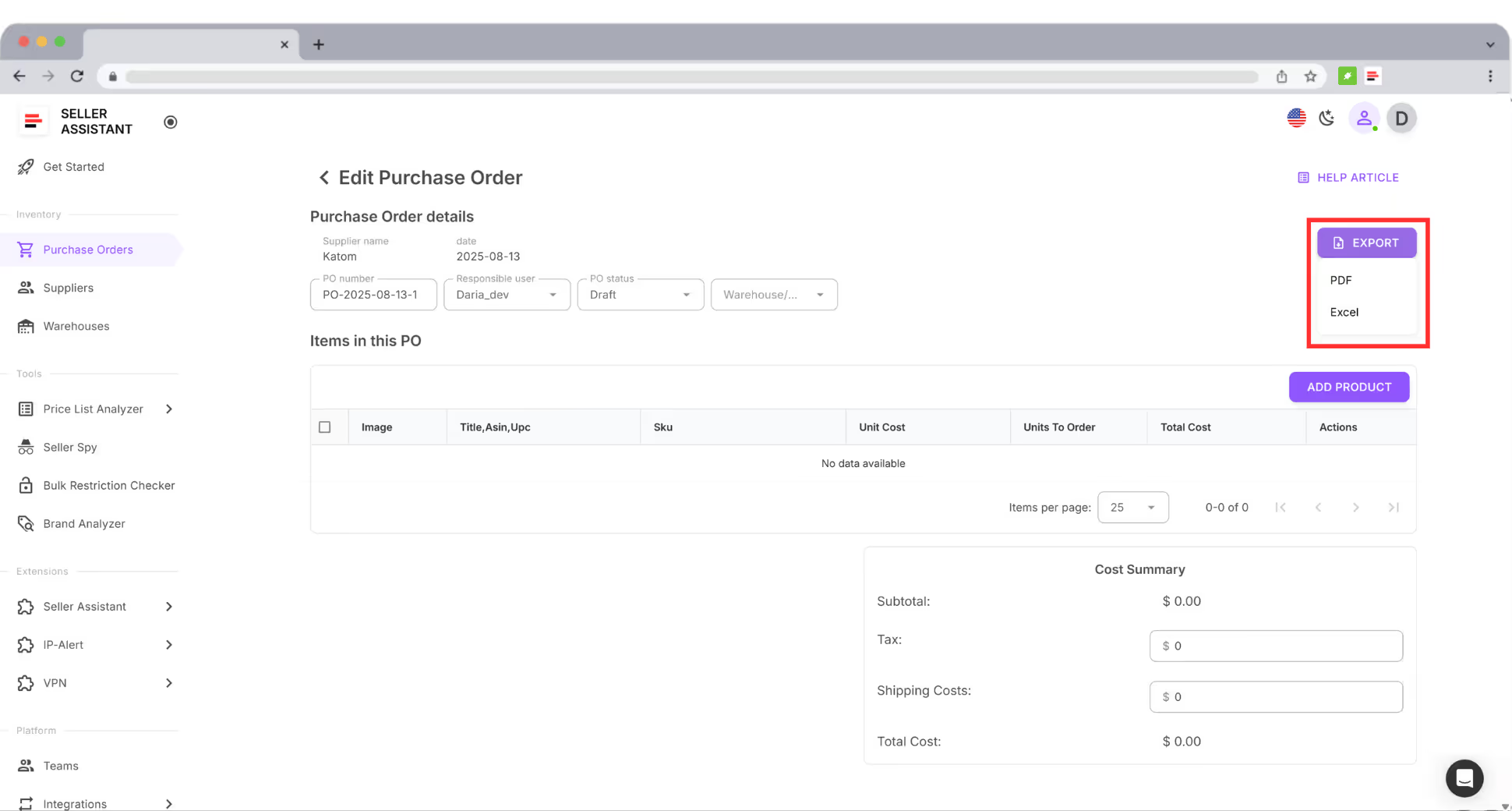
Send consistent purchase orders without messy formatting.
Align Team
Keep order formatting and ownership consistent across your team.
Build Trust
Build better supplier relationships with reliable, professional POs.
Frequently Asked Questions
Visit Help Center
Can I create a Purchase Order without using Price List Analyzer?
Can I edit a PO after sending it to a supplier?
What formats can I export my PO in?
Can my team members access my POs?
Will suppliers see my PO status changes?
Can I integrate Purchase Orders with other tools?
Can I assign a responsible team member to a PO?
Ready to take control of your purchase orders?
From scattered spreadsheets to a single workspace, create, track, and send every Purchase Order with ease.
Start Free for 14 DaysNot sure which plan fits your sourcing workflow? Chat with our team — we're happy to help.